Hive
AIAssetBook Hive is our AI system — a collective intelligence network for IoT. The visual identity draws from the concept of a hivemind: interconnected nodes forming a distributed network.
Collective Intelligence for IoT
The Hive identity represents a distributed network of connected intelligence nodes. Three primary nodes anchor a triangular structure, with secondary and tertiary nodes extending outward — visualizing how Hive processes and connects IoT data across the AssetBook ecosystem.
Hive Icon
Hivemind network icon with "HIVE" and "ASSETBOOK AI" wordmark
Primary Hive logo for general use on light backgrounds.
Hive App Icon
Hivemind network symbol without wordmark, optimized for app icons
Use for app icons, favicons, and small-format placements where the wordmark is not needed.
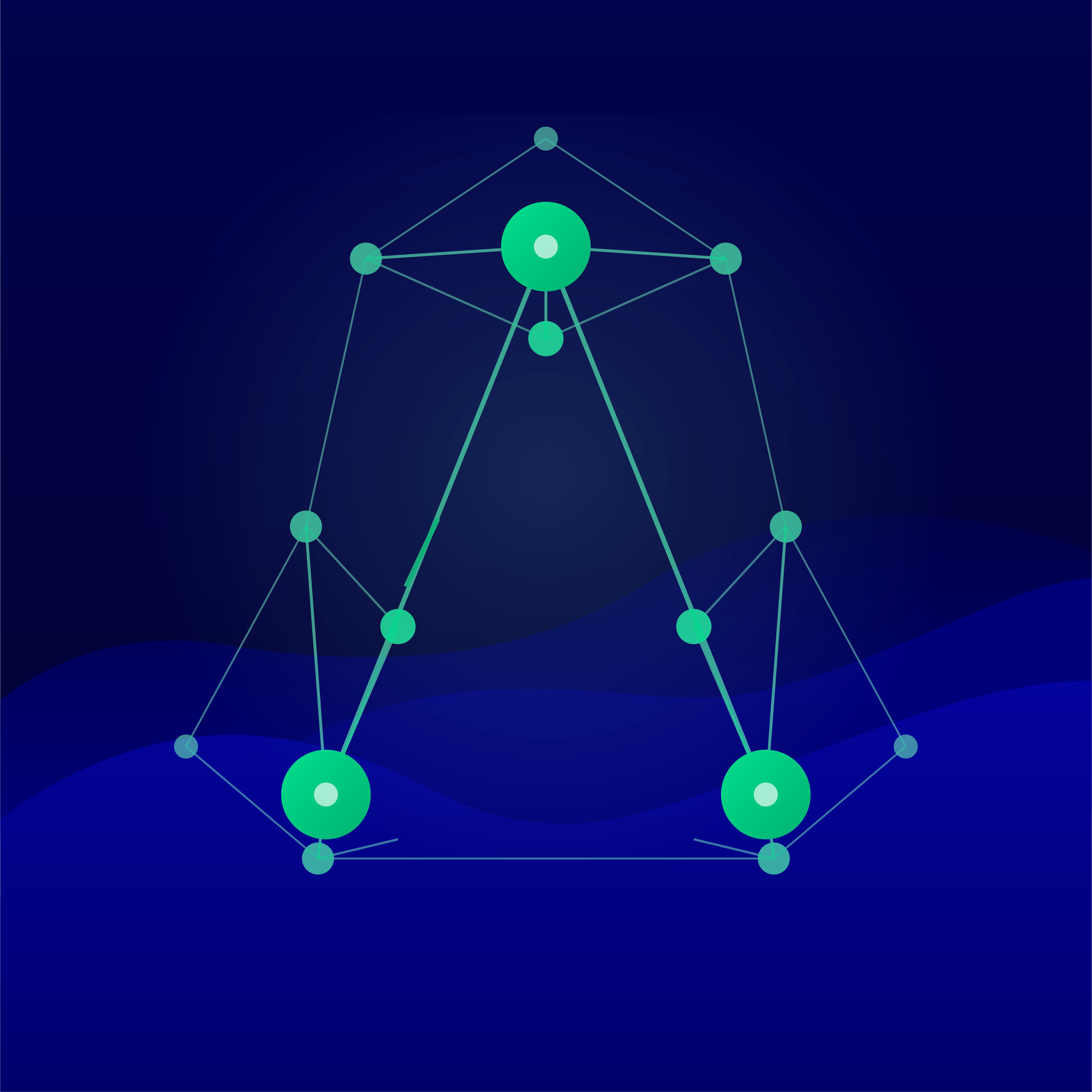
Hive Wave App Icon
Hivemind network symbol on dark navy background with AssetBook wave pattern
Use for app icons and profile images on platforms that benefit from a dark, branded background.

Hive Horizontal Banner
Full "AssetBook Hive — Collective Intelligence for IoT" banner on dark navy with wave pattern
Use for social media headers, email signatures, and wide-format promotional materials.
Hive Visual Identity
Design Principles
- The network motif represents distributed collective intelligence — a hivemind, not a beehive
- Three core nodes form the primary triangle structure
- Secondary and tertiary nodes extend outward, representing connected sensors and data streams
- The green gradient (#00DE8E to #00B172) ties Hive to the AssetBook brand palette
- Dark navy backgrounds use the AssetBook wave pattern for branded contexts
Usage Guidelines
- Use the icon variant (with wordmark) for primary placements
- Use the app icon variant for compact formats like favicons and profile images
- The wave variants are pre-composed — do not layer additional backgrounds
- Maintain clear space around the network symbol
- Do not recolor, distort, or separate the network nodes